



Photo Booth Hire for Events in Tallinn
When hiring a photo booth, check more than just the look. Ask about space and power needs, whether an operator is included, if photos print on-site, and how guests get digital copies. For outdoor events, agree on a backup plan for bad weather. Costs vary by rental time, printing, backdrop, props, delivery, and branding. Always compare full service details, not just starting prices.

Photo Booth Hire Listings in Tallinn

Full catalog
Showing 9 of 11 listings. View the full catalog and compare offers.
Choose the Right Photo Booth
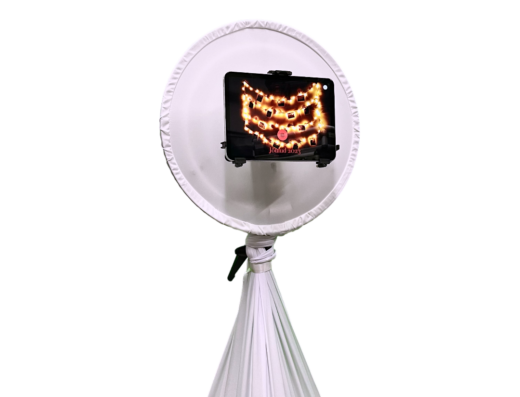
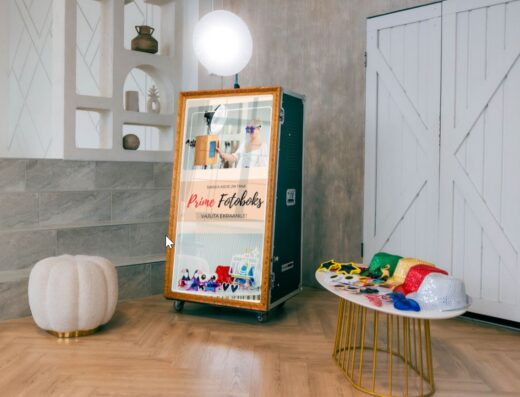
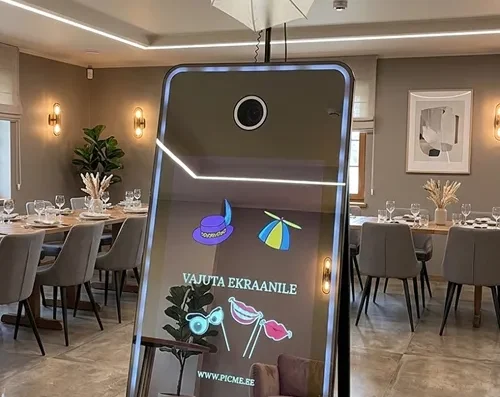
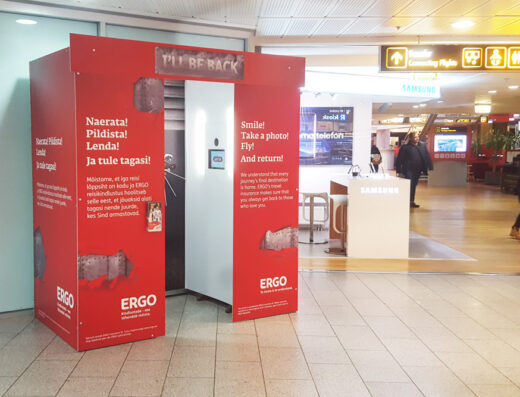
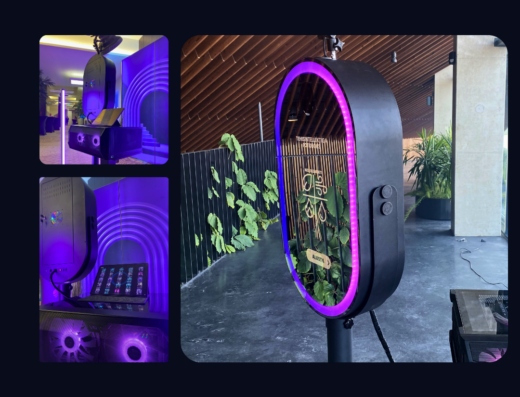
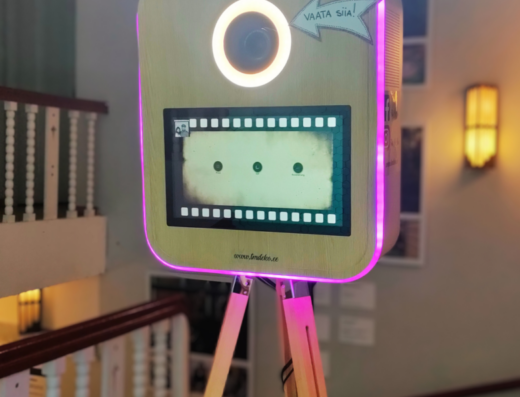
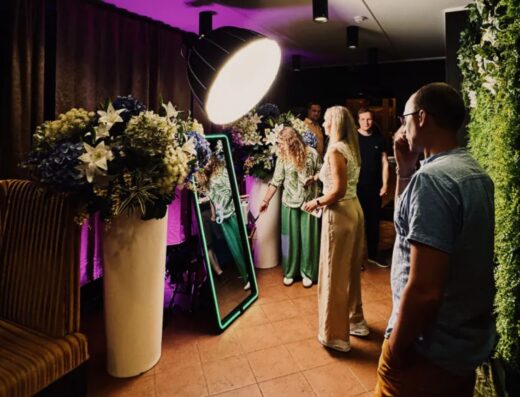
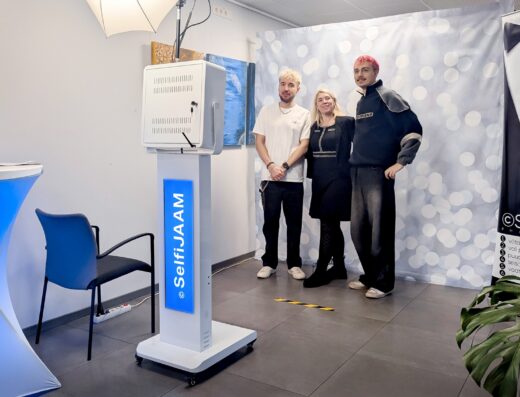
Photo booths come in several types: enclosed cabins, open stations with backdrops, interactive mirrors, or digital portrait setups. Each has different space needs and creates a different experience. Ask to see sample photos from the actual equipment for your event.
For family parties, easy use may be most important; for weddings, clean framing; for company events, branded templates. Decide what you want: printed photos, digital files, animations, or a mix.
Setup, Space, and Power
Check the total area needed, including backdrop, lighting, and space for guests waiting. Give the provider the address, floor, elevator access, distance from unloading, and setup time. Ask if a dedicated power outlet is needed and who arranges cables with the venue.
For outdoor use, you’ll need flat ground, weather protection, and a backup indoor spot. Even with good forecasts, agree on this in advance. If your event uses several rooms, make sure the booth is easy to find and won’t block walkways.
Printing and Digital Delivery
Confirm print size, number of prints, reprint speed, and options for names, dates, or logos. If photos are sent by QR code, link, or email, ask when they’ll be available and how long the gallery stays online.
For private events, check if the gallery is public, who can access files, and if sharing can be limited. If children are present, agree with the provider and venue on how to inform guests about photo use and digital sharing.
Operator, Props, and Hours
Find out if an operator stays during the event or just sets up. Operators help guests, manage printing, and fix issues, but this may cost extra. Ask for a list of included props and backdrops, and check which are standard and which cost more.
Agree on setup, active hours, and breakdown times. If you only need the booth for part of the event, match its hours to your schedule. Also ask about support if equipment fails and whether help is remote or on-site.
Understanding Costs
Final price depends on rental time, delivery, operator, number of prints, backdrop, props, custom design, and extra hours. If a price is shown, check what’s included. For fair comparison, send the same details to several providers and request written offers.
What to Tell Providers
Share the date, address, floor, event times, guest count, and setup location (indoors or outdoors). Say if you want printing, digital gallery, operator, backdrop, props, or custom design. Ask for confirmation of space, power, setup time, and total cost, then contact providers directly.
Frequently asked questions
What should I check before hiring a photo booth?
Ask about booth type, space needed, power, setup time, operator, printing, digital delivery, backdrops, and props. Request a full written offer including delivery and extra hours if needed.
How much space does a photo booth need?
Space depends on booth type, backdrop, and lighting. Ask the provider for a layout and add room for guests waiting. Tell them about stairs, narrow doors, and other venue details.
Can photo booths be used outdoors?
This depends on the booth and provider. You’ll need flat ground, safe power, and weather cover. Always arrange a backup indoor space before confirming your booking.
Is photo printing required?
No, some booths only offer digital files, others print too. Check how guests get photos, how many prints are included, branding options, gallery access, and file storage time.
Do I need an operator with the photo booth?
It depends on the booth and your event. Operators help guests and fix issues; self-service booths are simpler. Ask what support is included and what happens if something breaks.